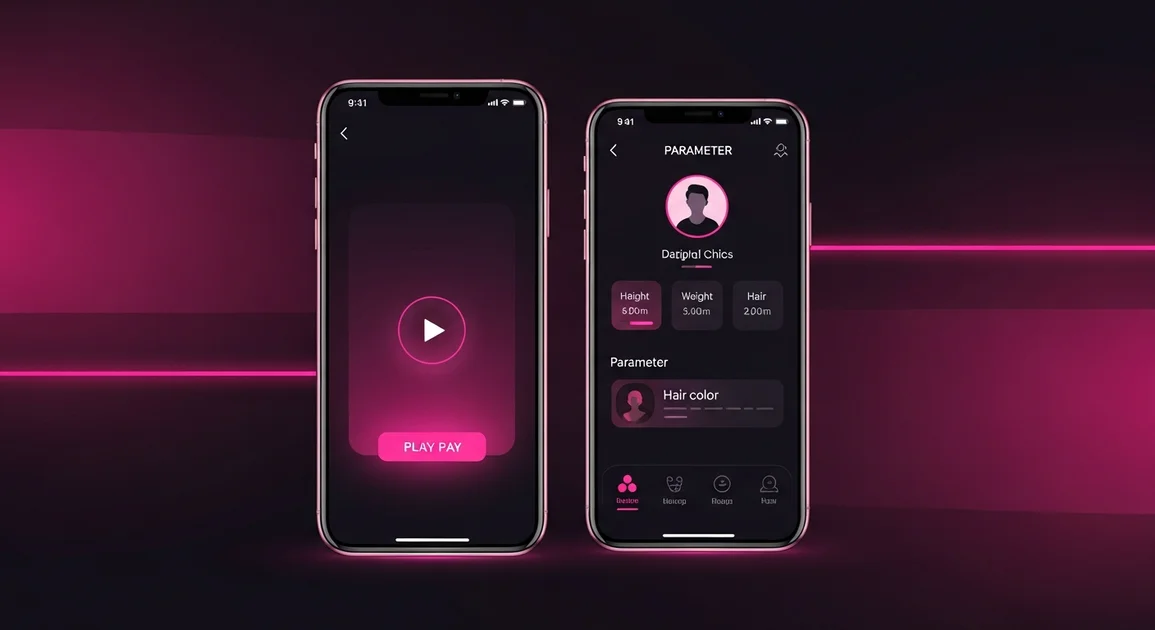
You can now attach a short video to an ad that plays directly in the card — without opening the ad page.
File requirements: formats MP4, MOV, WebM, maximum size 10 MB. We recommend short vertical clips of 5–15 seconds.
The main ad video (up to 50 MB) is still available on the ad page — the preview does not replace it.
To add a preview, go to “Add Ad” or open an existing ad for editing and find the “Preview Video for Card” section at the media upload step.
A new section has been added to the ad creation and editing forms — appearance details. You can now specify:
These details are shown on the ad page and are available for filtering in the listings — visitors can quickly find profiles that match the parameters they want.